
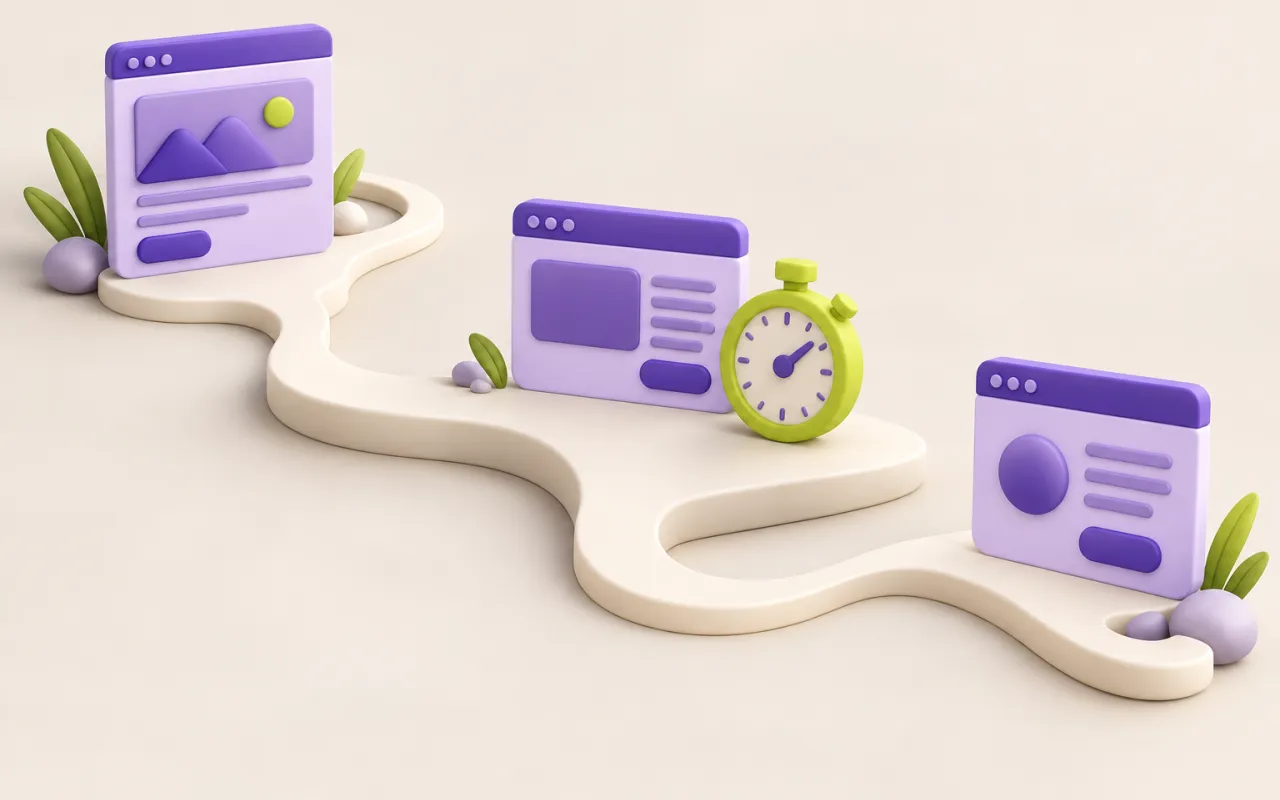
Website performance work often begins with a single score for the homepage. That can reveal useful issues, but users experience a sequence of pages and interactions on different devices and connections. A stronger approach asks where delays interrupt the tasks that matter.
Choose representative journeys
Identify a small set of important paths, such as finding a service, reading an article, and submitting an inquiry. Include a content-heavy page and an authenticated workflow where relevant. Test on realistic mobile widths and constrained connections. A powerful developer laptop can conceal problems that affect visitors using ordinary devices.
Separate delivery from interaction
A server response, an image download, and a script blocking input are different sources of delay. Inspect the network and rendering behaviour to locate the bottleneck before changing the stack. Check image dimensions, caching, third-party scripts, and repeated requests. Remove unnecessary work where possible instead of compensating for it with more infrastructure.
Protect improvements with a budget
Agree on a small set of measures and review them as the site changes. A new visual feature or external integration can undo earlier gains. Pair automated measurements with a human check of whether the page becomes useful quickly. Performance should support accessibility and clarity rather than encouraging hidden content or misleading loading states.
Follow a visitor from question to completion
For a consulting website, a representative journey might start on a service page, continue to a related article, and end with an inquiry. Record when each page becomes useful and when the visitor can interact. A large image on the article or a slow third-party script on the form may matter more to that journey than another improvement to the homepage.
Use the same device conditions when comparing changes. Note viewport size, connection constraints, cache state, and whether the visitor is signed in. These details help distinguish an improvement in the site from a difference in the test setup. Keep a visual record as well: a fast measurement is less persuasive if the layout shifts while someone tries to select a link.
Connect a finding to a specific change
If image transfer dominates the wait, inspect which size was delivered and whether the image is needed immediately. If interaction pauses, examine the work occurring at that moment. Make one focused change, repeat the journey, and check that the visual result and accessible behavior remain intact. Removing useful feedback simply to improve a score would undermine the task the page exists to support.
Turn the result into a small maintenance agreement. Decide who reviews new images, external integrations, and significant layout changes. Keep a baseline for the important journey so future work can be compared with something concrete. Performance is easier to maintain when it is part of ordinary content and release decisions.
A practical next step
Record a baseline for one priority journey on a representative mobile setup. Identify its largest avoidable delay, make one focused change, and compare the same journey again under the same conditions.
What’s your next step?
Bring us your questions. We’ll help you find a practical way forward.
Start a conversation ↗