
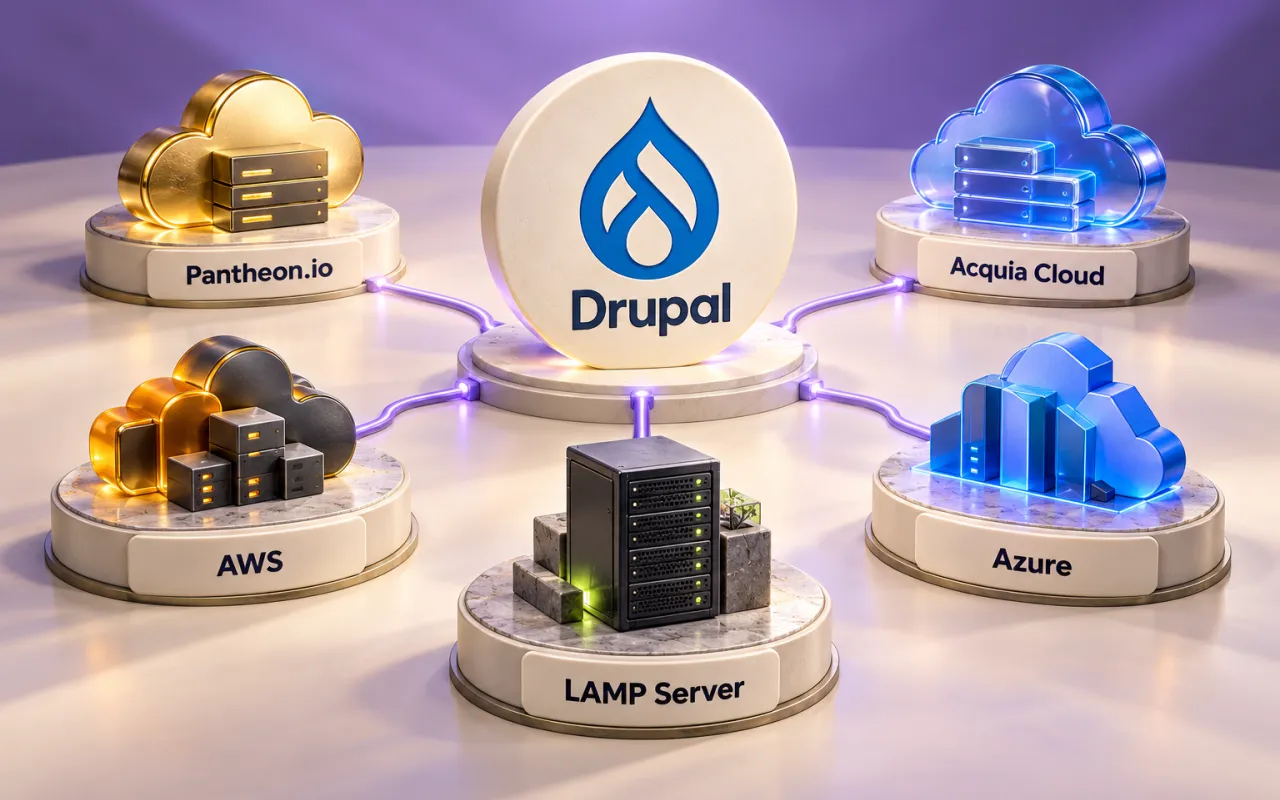
The best hosting setup for a Drupal project depends on the website's workload, the team's operating responsibilities, and the business's recovery needs. A familiar provider name or a large server specification is only part of that decision. The right setup must also support safe releases, reliable backups, and the next Drupal upgrade.
At Novus Digitech, we commonly host Drupal projects on Pantheon.io, Acquia Cloud, AWS, Azure, and LAMP-based servers. Each can be appropriate, but they offer different levels of control and infrastructure management. This guide explains how we approach the choice and what to confirm before committing to a plan.
Understand what you are comparing
Pantheon and Acquia Cloud provide platforms designed around website delivery and Drupal operations. AWS and Azure provide cloud services from which you can build an appropriate hosting architecture. LAMP describes a software stack: Linux, Apache, MySQL or a compatible MariaDB setup, and PHP. It is not a hosting provider, and a LAMP stack can itself run on an AWS or Azure virtual machine.
That distinction matters when comparing proposals. A managed platform subscription and a virtual machine bill may cover very different work. Ask who owns the operating system, database, Drupal updates, monitoring, and incident response in each proposal. Make those responsibilities part of the decision.
Pantheon.io: an established website delivery workflow
Pantheon is worth considering when a team wants a consistent way to develop, test, and release a Drupal site without assembling its own server environment. Its documented workflow provides separate Dev, Test, and Live environments, with a distinction between version-controlled code and site content. See the Pantheon workflow documentation.
We would put it on the shortlist for an editorial or marketing website whose team needs predictable releases and a clear staging process. The practical advantage is being able to discuss how a change moves through the environments before it reaches visitors.
Before choosing a plan, confirm the current resource and traffic allowances, backup retention, available development environments, supported runtimes, and support coverage. Check that custom services and background jobs fit the platform's operating model. Managed infrastructure still needs someone to maintain the Drupal application, review changes, and verify that forms and integrations work.
Acquia Cloud: managed infrastructure focused on Drupal
Acquia Cloud Platform provides Drupal-focused infrastructure and application delivery tools. Acquia manages the infrastructure while the customer remains responsible for the application. Its environment workflow separates development, staging, and production; available environments and features depend on the subscription. These boundaries are described in Acquia's Cloud Platform concepts and environment documentation.
It is a candidate when the organization wants a Drupal-focused platform and needs to evaluate infrastructure support alongside its delivery process. Start with the requirements: expected traffic, editorial responsibilities, integrations, access controls, and the consequences of an outage. Match those requirements to a specific offering.
Ask which capabilities are included in the proposal and which are separate services. Confirm recovery arrangements, resource limits, support escalation, and any regional requirements. Assign application ownership explicitly: custom code, contributed-module compatibility, content permissions, and release acceptance do not disappear because the infrastructure is managed.
AWS: flexibility with an architecture you must operate
AWS can suit a Drupal project that needs control over networking, integration with an existing cloud environment, or an architecture tailored to its workload. Amazon EC2 provides virtual computing environments that can form part of such a setup. Review the EC2 overview when defining that approach.
The important question is which services you intend to use and who will operate them. For an EC2-based deployment, guest operating-system updates, installed software, and security-group configuration remain customer responsibilities. Choosing more managed services changes the division of work, so review the AWS shared responsibility model against the actual design.
We would consider AWS where the business already has an AWS operating team or where the project's requirements justify a custom cloud arrangement. Budget for engineering time as well as infrastructure. Include backups, monitoring, logs, storage, data transfer, and non-production environments in the estimate. Start with a design the team can restore and troubleshoot; add complexity when there is evidence for it.
Azure: a fit for an established Azure environment
Azure is another option when the organization already operates services there or needs its Drupal application to fit an existing cloud network and management process. Azure supports Linux virtual machines, providing a possible foundation for a Drupal deployment. See Microsoft's Linux virtual machine documentation.
Using a Linux VM means the project still needs owners for operating-system patching, the application stack, backups, and Drupal maintenance. Responsibilities differ when other managed services are selected; Microsoft's shared responsibility guidance explains that distinction.
Before selecting Azure, agree the subscription owner, access model, networking requirements, monitoring, and deployment process. Test database connectivity and external integrations in a representative environment. An existing Microsoft relationship can make Azure a useful candidate, but the website's reliability comes from the configured architecture and the team operating it.
LAMP server: direct control over a familiar stack
A LAMP-based server can work well for a straightforward Drupal website when a capable administrator or managed service owns the stack. It may run on a virtual private server, a dedicated machine, or cloud infrastructure. AWS's LAMP installation tutorial is one example of that overlap.
This approach offers direct control over Apache, PHP, the database, and scheduled jobs. It also makes the management agreement especially important. Establish who patches the server, configures access, monitors capacity, renews certificates, and restores the service after a failure. Installing Drupal successfully is the beginning of that responsibility.
Do not assume that one server automatically provides high availability. Review what happens if it becomes unavailable and where recoverable backups are stored. A modest setup can be appropriate when the workload and recovery expectations fit; a critical service may need a different design. Compare the full operating cost before treating a low monthly server bill as a saving.
A practical way to narrow the shortlist
- You want a defined website deployment workflow: evaluate Pantheon and its fit with your development process.
- You want managed infrastructure centered on Drupal: evaluate Acquia Cloud and the specific subscription and support scope.
- You already operate AWS services or need a tailored AWS architecture: evaluate an AWS deployment with named operations ownership.
- Your organization already manages Azure environments: evaluate an Azure deployment that fits those controls and skills.
- You want a straightforward, directly controlled server: evaluate a LAMP setup with a documented maintenance and recovery agreement.
These are starting points for evaluation, not exclusive categories or a ranking. Compare at least two viable options against the same workload, support expectations, and budget. The best choice for a public information site may differ from the best choice for a busy member portal.
Check Drupal compatibility before buying
Confirm the PHP version, extensions, database version, and deployment tools required by the Drupal release you intend to run. Use the official Drupal requirements alongside the provider's current documentation. A hosting brand supporting Drupal in general does not prove that your selected plan supports every dependency your site needs.
Include future upgrades in that conversation. Ask how runtime changes reach staging and production, who approves them, and what happens if a custom module is incompatible. Keep source code, configuration, and deployment instructions available to the people responsible for maintenance.
Validate the choice with your real website
Test the journeys that matter: anonymous browsing, signed-in access, search, enquiry submission, editorial changes, and background processing. Measure a representative busy period. Investigate slow queries or external dependencies before increasing server capacity; a larger machine cannot resolve every bottleneck.
Rehearse a complete restore into an isolated environment, including the database and uploaded files. Record the recovery time and compare it with what the business can tolerate. Check that a failed release can be recovered without silently losing new submissions. Finally, compare total cost: hosting, support, maintenance, backups, environments, and expected growth.
Choose Drupal hosting with Novus Digitech
Novus Digitech builds new Drupal websites and maintains or upgrades existing sites, including projects created by other teams. We can help assess Pantheon, Acquia Cloud, AWS, Azure, or a LAMP server against the needs of your project and agree who owns each part of ongoing operations.
Discuss hosting and maintenance for your existing Drupal site, or tell us about a new Drupal project. Include your current provider, Drupal version, traffic pattern, important integrations, and any known performance issues so the conversation starts with useful evidence.
What’s your next step?
Bring us your questions. We’ll help you find a practical way forward.
Start a conversation ↗